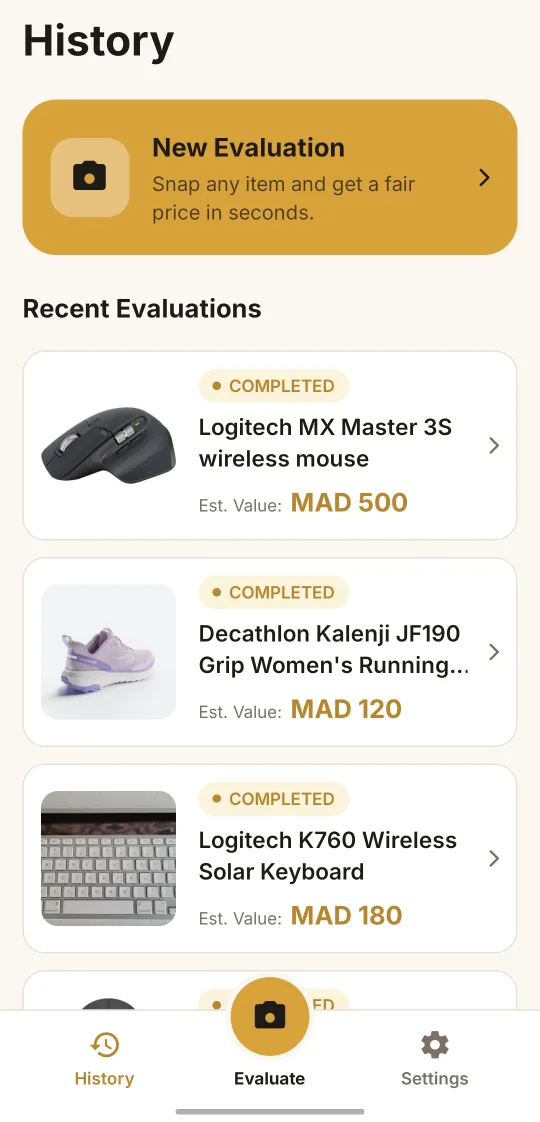
Your history, saved
Every item you check stays in your history, ready when you need it again.
Take a photo of any item. BazaarVision finds it and tells you what it's really worth.
Coming soon to Google Play We're in closed testing. Public release is on its way.
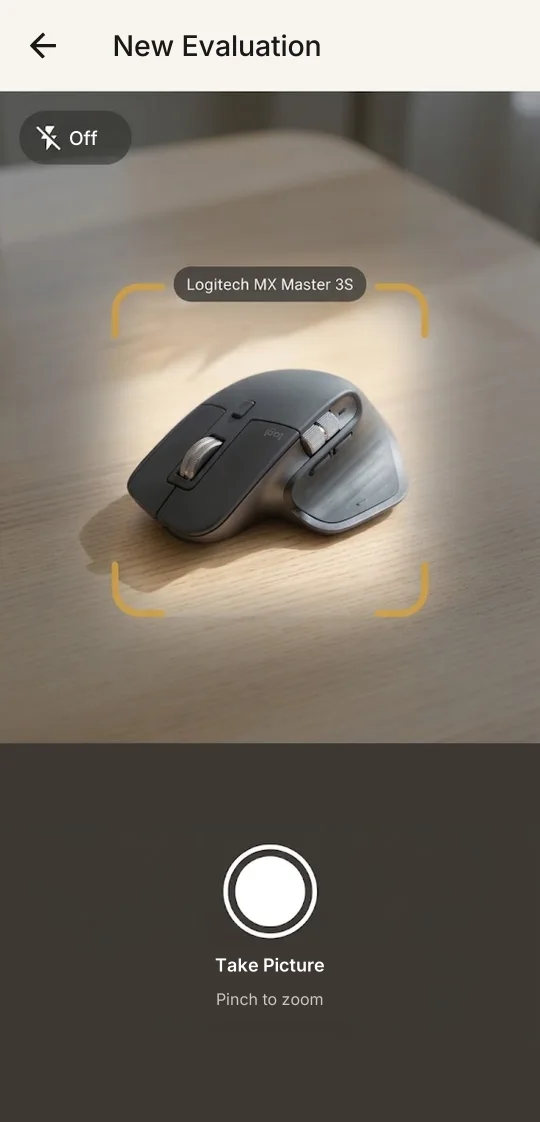
From photo to fair price in three steps.
Take a photo, or pick one from your gallery. In a shop, at a market or a second-hand stall.
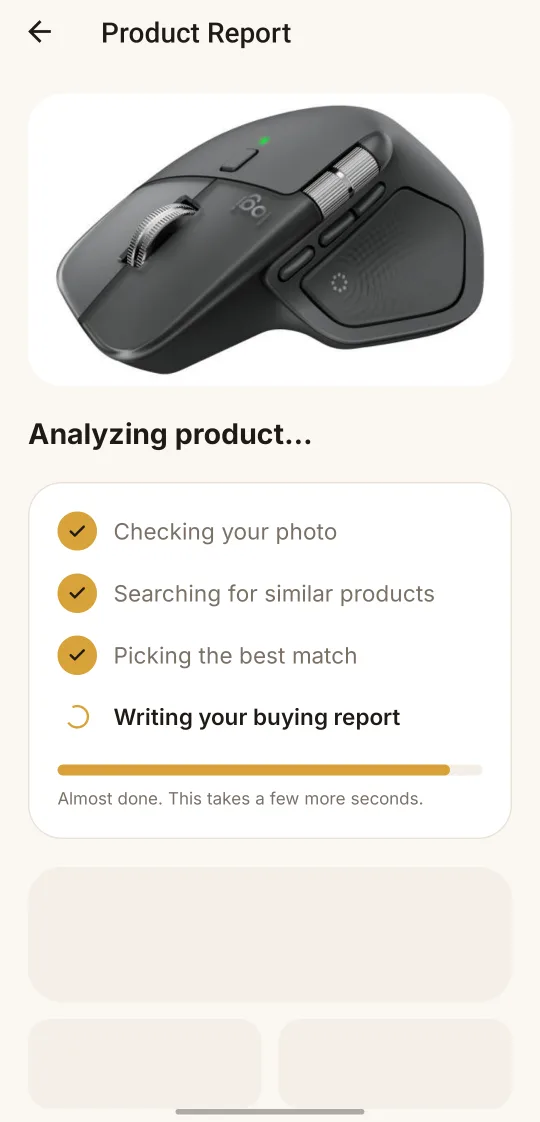
BazaarVision identifies the product and checks new and used prices online. You can follow each step.
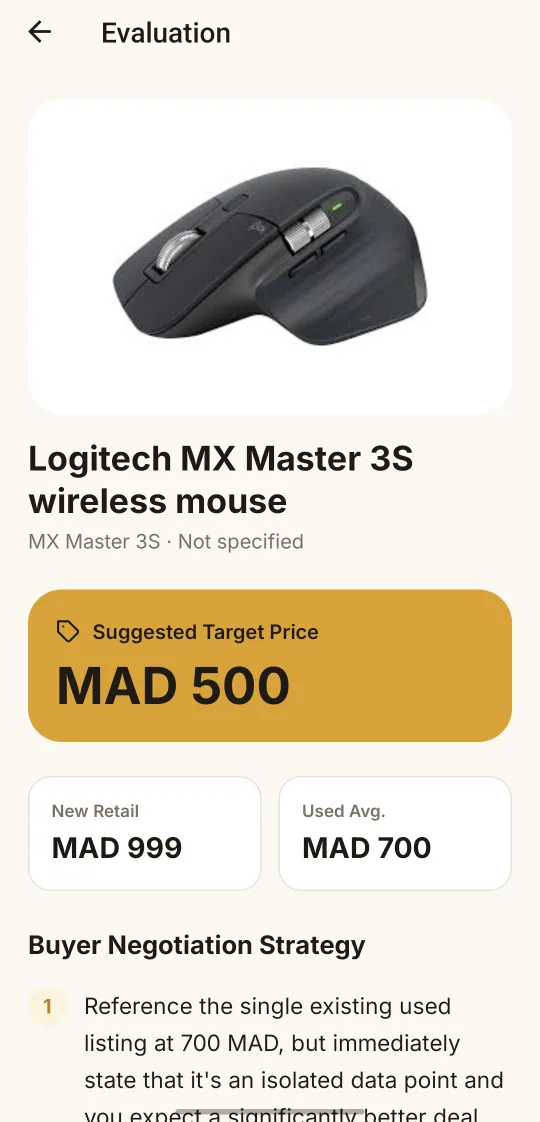
A clear report with a target price and tips to negotiate. Know your number before you talk.
From photo to fair price in three steps.
Take a photo, or pick one from your gallery. In a shop, at a market or a second-hand stall.
BazaarVision identifies the product and checks new and used prices online. You can follow each step.
A clear report with a target price and tips to negotiate. Know your number before you talk.
Every item you check stays in your history, ready when you need it again.
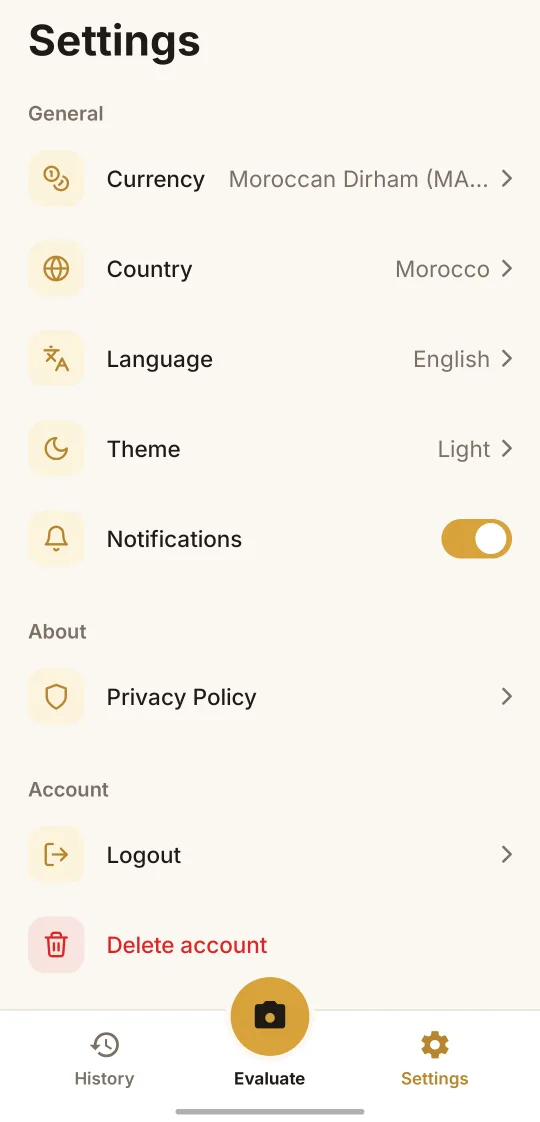
Prices come from where you shop and show in your currency. In English or Arabic.
Coming soon to Google Play We're in closed testing. Public release is on its way.